That Little Plug Between Your Keyboard and PC Could Be Stealing Everything You Type
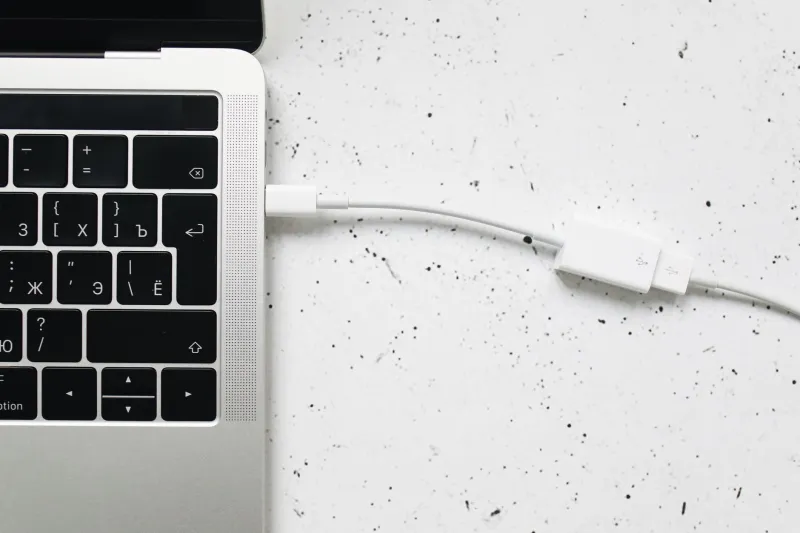
You've got antivirus running. You're careful about sketchy links. You even use a password manager. But here's something that might keep you up at night: none of that protects you if someone has physically plugged a tiny recording device between your keyboard and your computer.
Hardware keyloggers are real, they're cheap (some cost less than $20 on Amazon), and they're designed to be invisible to your operating system. No software scan will catch them. No firewall blocks them. They just sit there, quietly logging everything you type — passwords, credit card numbers, private messages, work emails — and storing it for someone to retrieve later.
This isn't a spy movie plot. It's a legitimate threat in shared offices, hotel business centers, libraries, and even home setups where someone else has had physical access to your machine.
What Exactly Is a Hardware Keylogger?
A hardware keylogger is a physical device — usually about the size of a USB thumb drive or a small adapter — that sits inline between your keyboard and your computer. When you plug your keyboard into it and then plug it into your PC's USB port, it records every single keystroke passing through it.
Some models have onboard flash memory that stores months of typing data. Others are more sophisticated: they broadcast captured keystrokes over Wi-Fi or Bluetooth, meaning an attacker doesn't even need to physically return to your desk to retrieve the data. They can just sit in a parking lot with a laptop.
There are also PS/2 versions for older hardware, and even internal models that get installed inside the keyboard itself — making them nearly impossible to spot without cracking open the case.
The scary part? To your operating system, everything looks completely normal. Windows sees a keyboard. It types. No alerts, no warnings, no unusual processes in Task Manager.
Where Do These Things Actually Show Up?
Shared and semi-public computers are the obvious targets. Think about the desktop PC at a hotel business center, the shared workstation at a small office, or the computer lab at a community college. Anyone with thirty seconds of physical access can plug one in.
But don't assume your home setup is automatically safe. If you've had repair technicians work on your machine, had roommates with access to your desk, or even purchased a used keyboard online, there's a nonzero chance something extra came along for the ride.
Corporate environments are another hotspot. Disgruntled employees, corporate espionage, and even overzealous IT departments have all been associated with keylogger deployments in real-world cases.
How to Physically Audit Your Desk Setup
The most important step doesn't require any software at all. Just look at your hardware.
Check every connection point on your keyboard cable. Trace the cable from the keyboard all the way to where it plugs into your PC. If there's anything between those two endpoints — any adapter, dongle, or small device you don't remember putting there — that's a red flag. USB keyloggers are typically cylindrical or rectangular, about an inch to two inches long, and often look like a generic USB extender.
Compare against what you bought. If your keyboard plugs directly into the PC with no adapters, that's what you should see. An unexpected inline device is suspicious by default.
Look inside the USB ports themselves. Some ultra-compact keyloggers are designed to sit mostly inside the port, with only a tiny bit of plastic visible. Shine a flashlight into each USB port and see if anything looks like it's already occupying the space.
Check for anything new on the back of your tower. Most people don't look at the back of their desktop PC very often. That's exactly where someone would plug in a keylogger, banking on the fact that you'll never notice.
Free Software Tools That Can Help (With Caveats)
Remember — software cannot detect hardware keyloggers the way it detects malware. But a few free tools can still help you spot suspicious activity that might point to a wireless keylogger broadcasting data.
USBDeview by NirSoft is a free Windows utility that gives you a complete history of every USB device ever connected to your PC, including devices that aren't currently plugged in. If you see an unfamiliar entry — especially one with a vague or generic name — that's worth investigating. Download it directly from NirSoft's website (nirsoft.net), which is a trusted source in the Windows tools community.
Wireless Network Watcher, also from NirSoft, scans your local network for connected devices. Some Wi-Fi-enabled keyloggers create their own hotspot or connect to your network to transmit data. If you see an unknown device on your network, dig into it.
Windows Device Manager (built right into Windows — just right-click the Start button) won't flag a keylogger as malicious, but if you see an unknown HID (Human Interface Device) listed alongside your keyboard, that could indicate something extra is intercepting your input.
None of these tools are foolproof against hardware threats, but they add a layer of awareness that most people skip entirely.
Practical Habits That Reduce Your Risk
Beyond the one-time audit, a few ongoing habits make a real difference.
Use a wireless keyboard at home — carefully. Wireless keyboards can actually complicate a keylogger attack since there's no cable to tap. However, some wireless keyboards have their own vulnerabilities (more on that in a moment), so this isn't a universal solution.
Be cautious about wireless keyboard security. Older wireless keyboards using 27 MHz radio frequency (not Bluetooth) broadcast keystrokes in the clear, meaning someone with a radio receiver nearby can capture everything you type without touching your hardware at all. If you're using a keyboard that came with a small USB receiver dongle, check whether it uses Bluetooth or an older proprietary RF signal. Logitech's Unifying receiver and similar modern options use encrypted signals, which is significantly safer.
Lock your computer when you walk away. Windows key + L takes half a second. It won't stop a physical keylogger already installed, but it limits the window of opportunity for someone to plug one in undetected.
Consider a keyboard with a built-in USB hub. If your keyboard has USB pass-through ports, make sure those are accounted for and not being used to daisy-chain a logging device.
At public computers, don't type sensitive information at all. No workaround here — if you don't control the hardware, assume it could be compromised. Use your phone's hotspot and your own device for anything involving passwords or financial data.
The Bottom Line
Most security advice focuses on software threats because that's where the majority of attacks happen. But physical security is the layer people almost universally ignore, and attackers know it. A hardware keylogger costs less than a fast food lunch, takes seconds to install, and is invisible to every security tool running on your PC.
Taking ten minutes to physically inspect your desk setup costs nothing. Running USBDeview to check your device history is free. These aren't complicated steps — they're just ones most people never think to take.
Do a quick sweep today. You might be surprised what you find.


